


Description
McAfee Total Protection 2019 – Premium protection for your data
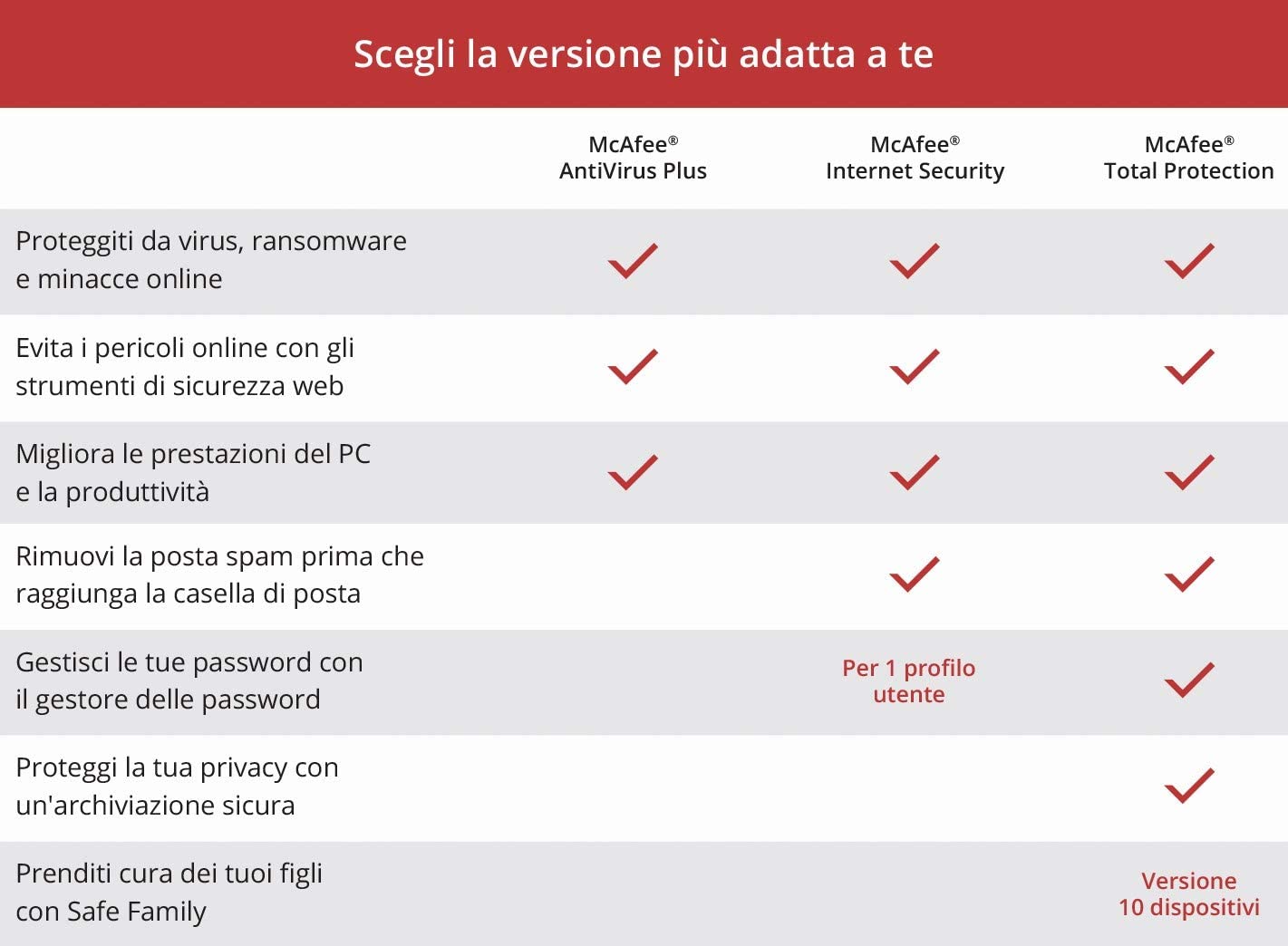
The real strength of McAfee Total Protection 2019 is that the user himself has full control over his data. This security suite prevents identity theft and offers many other features typical of modern antiviruses. With McAfee's file lock, for example, important subscriber data is kept safe from hackers and thieves. To ensure that the simplicity of using the Internet is not sacrificed due to the many security measures, you can use the Password Manager. Thanks to this tool, the user can save all his passwords on the secure McAfee control panel. Purchasing McAfee Total Protection 2019 allows home users to use these many features, developed by the historic security company McAfee.
Browse and buy safely
It is beneficial to buy McAfee Total Protection 2019 especially for people and families who use their PC for different purposes. In fact, this suite offers protection during various possible uses of the internet. For example, it ensures secure payments when shopping online. In this sense, McAfee also promises to minimize risks during online financial operations. Furthermore, the program offers complete protection for children: in fact, in the suite, among other things, you can set how much time they can spend online. Naturally, it is also possible to indicate a list of allowed websites, in order to block access to potentially dangerous content. McAfee Total Protection 2019 protects the whole family while using the internet.
Secure networks and devices
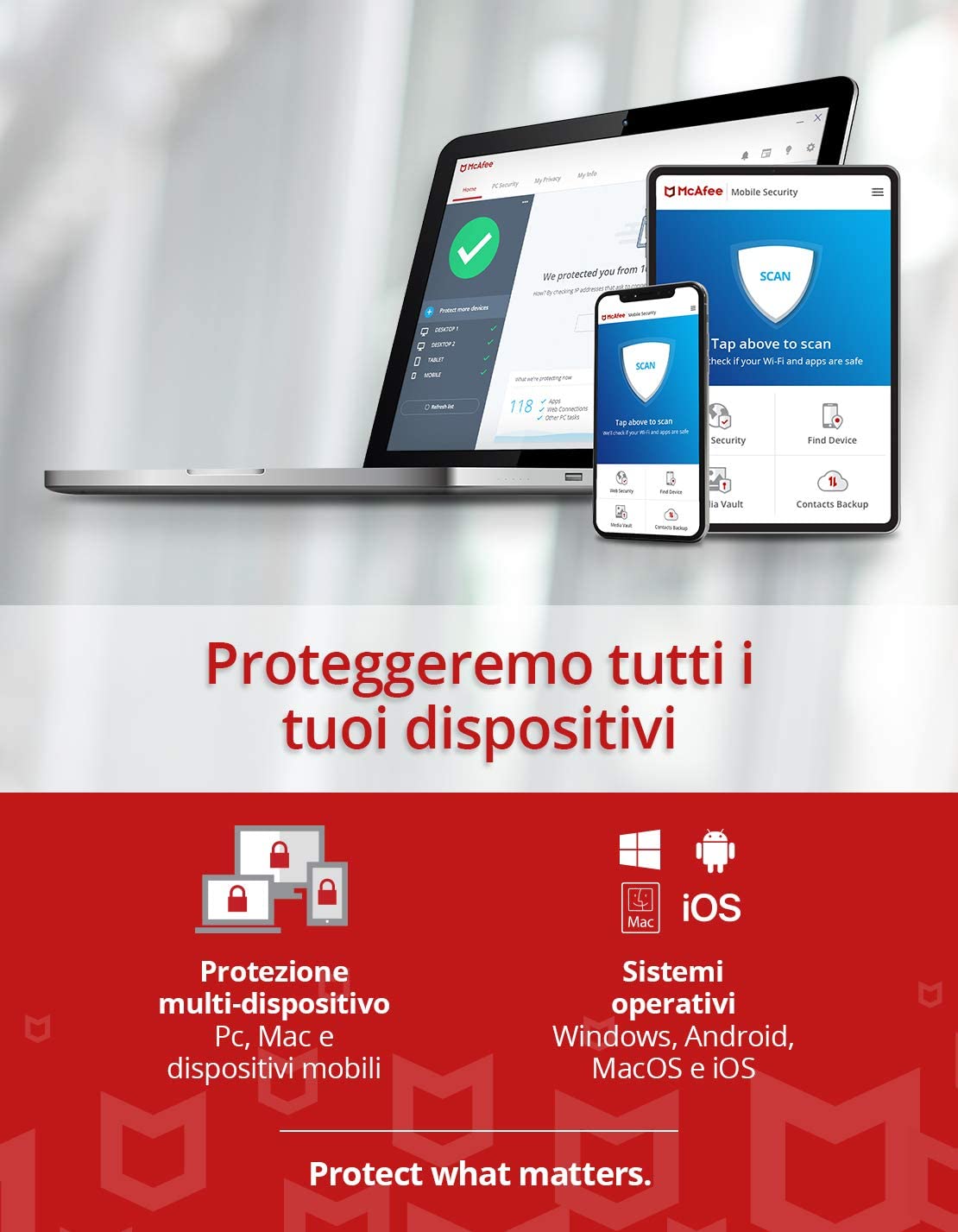
Those who decide to purchase McAfee Total Protection 2019 receive comprehensive protection that is easy to set up. For example, this software also defends your home Wi-Fi. McAfee Total Protection 2019 protects your personal Wi-Fi network from unwanted connections, not only at home, but also on mobile devices and in the office. To ensure that the user and his family can browse with peace of mind, this antivirus suite also covers multiple devices. This way, you are protected on various platforms. Therefore, one subscription can cover all your security needs. From the McAfee control panel, the user can protect and manage an unlimited number of devices in his family. McAfee Total Protection 2019 offers a centralized security management system for desktop PCs, tablets, smartphones and laptops.
Spam and spyware protection
McAfee Total Protection 2019 also impresses with its anti-spam systems. The anti-spam protection filter, in fact, prevents the receipt of unwanted emails. In this way, not only are virtual communications safer, but the risk of clicking on virus-infected links is also reduced. Another integrated protection is that against phishing: McAfee Total Protection automatically recognizes emails that try to introduce malware by requesting personal data. If these types of messages are deleted early, no family member can accidentally reply to fraudulent emails. The security suite is completed by anti-spyware functions: the software ensures that spyware does not infect the user's devices and that his data is not shared with third parties without authorization. Buying McAfee Total Protection 2019 is a way to proactively deal with the potential dangers of the network, without waiting until maybe it's too late.
Personalized online protection
Those who consider it important that their security suite is well configurable should evaluate the purchase of McAfee Total Protection 2019. The program has an intuitive control panel, from which all settings can be managed. For example, you can activate True Key, a password management tool: this can save locally and protect all passwords, so the user does not have to memorize countless access codes. Furthermore, thanks to the McAfee personal profile, these passwords can be synchronized on all personal devices. Alternatively, it is possible to register using biometric parameters: with this process, the user does not register with a password, but facial recognition or the fingerprint sensor is activated.
Operating system:
Android 4.1 or higher (for mobile devices)
iOS 10 or later
Mac OS X 10.12 or later
Microsoft Windows 10, 8.1, 8 and 7 SP1 (32 and 64 bit)
Browsers:
Internet Explorer 10.0 or later
Firefox, Chrome or Edge
Safari (on Mac OS and iOS)
Email program for anti-spam function:
POP3 (Outlook, Thunderbird)
MAPI (Outlook)
Email account with IMAP/POP3 access
Hardware for PC use:
2GB of RAM
500 MB of free disk space
Processor with at least 1 GHz










 English (UK)
  Italiano
  Deutsch
  Español
  Français
  简体中文
简体中文